Bold Time
I’ve conquered the agency kraken: timesheets
I’ve conquered the agency kraken: timesheets
Timesheets suck. But I fixed the process building my own tool. Along the way, I ended up creating a work intelligence app.
The timesheet system at most agencies requires manual entry, usually days after the work happens. By then, the texture was gone: which decision drove which outcome, what was still open, why a project that looked finished wasn’t.
I was tracking 20 to 30 active tasks at any given time. I decided to build something better.
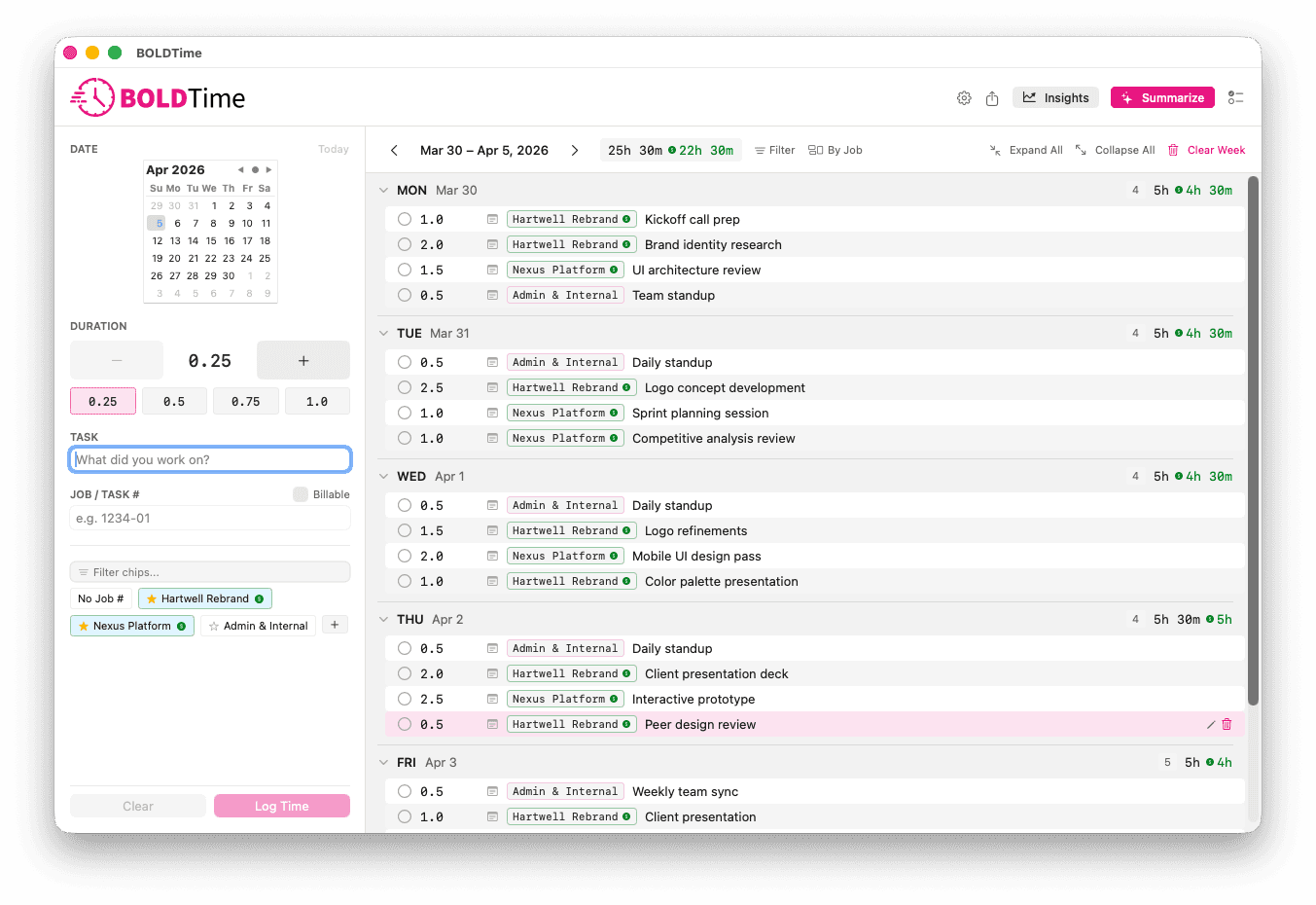
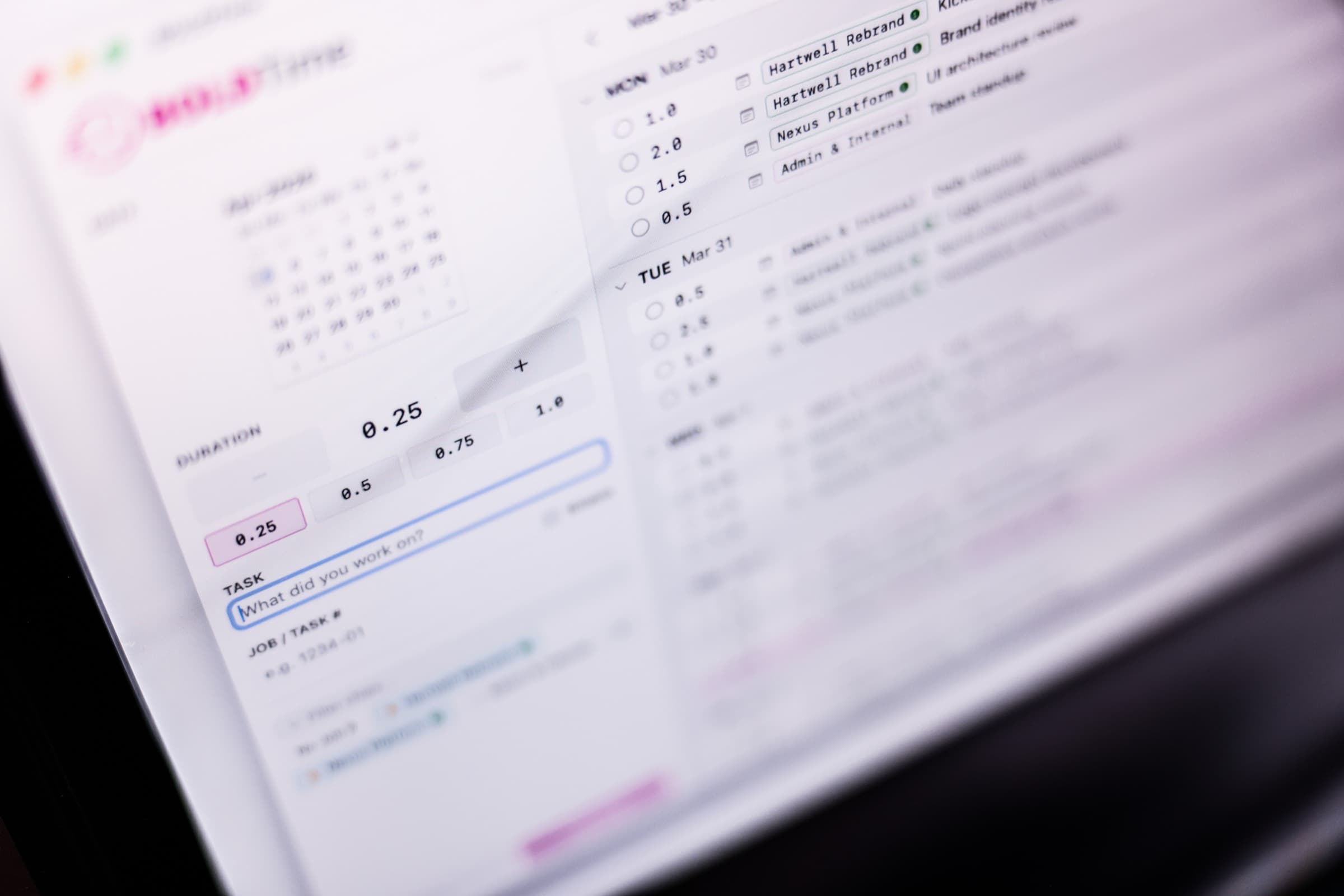
The core gesture is a time entry: a start time, an end time, a job code, a task code. Time increments are fixed at 15 minutes: enough granularity to see where time went without enough precision to obsess over it.
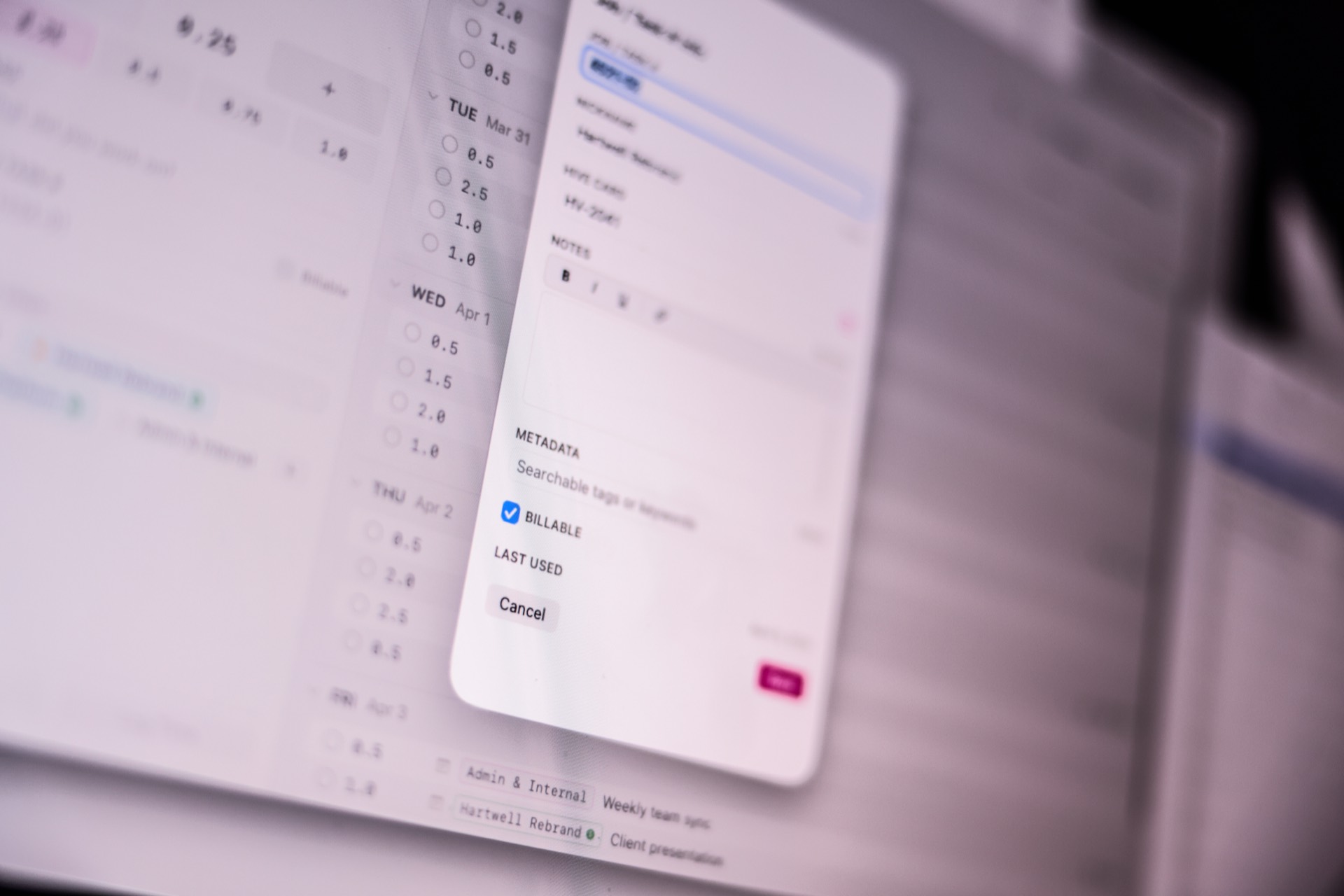
Job codes are compound: a job paired with a task type. A client engagement paired with “design review.” The pairing means the same entry can answer questions by client, by project type, or by deliverable, without re-categorizing anything later.
The week view stacks entries by day, each collapsible. A day that’s been logged looks different from one that hasn’t. You can see the shape of the week at a glance.
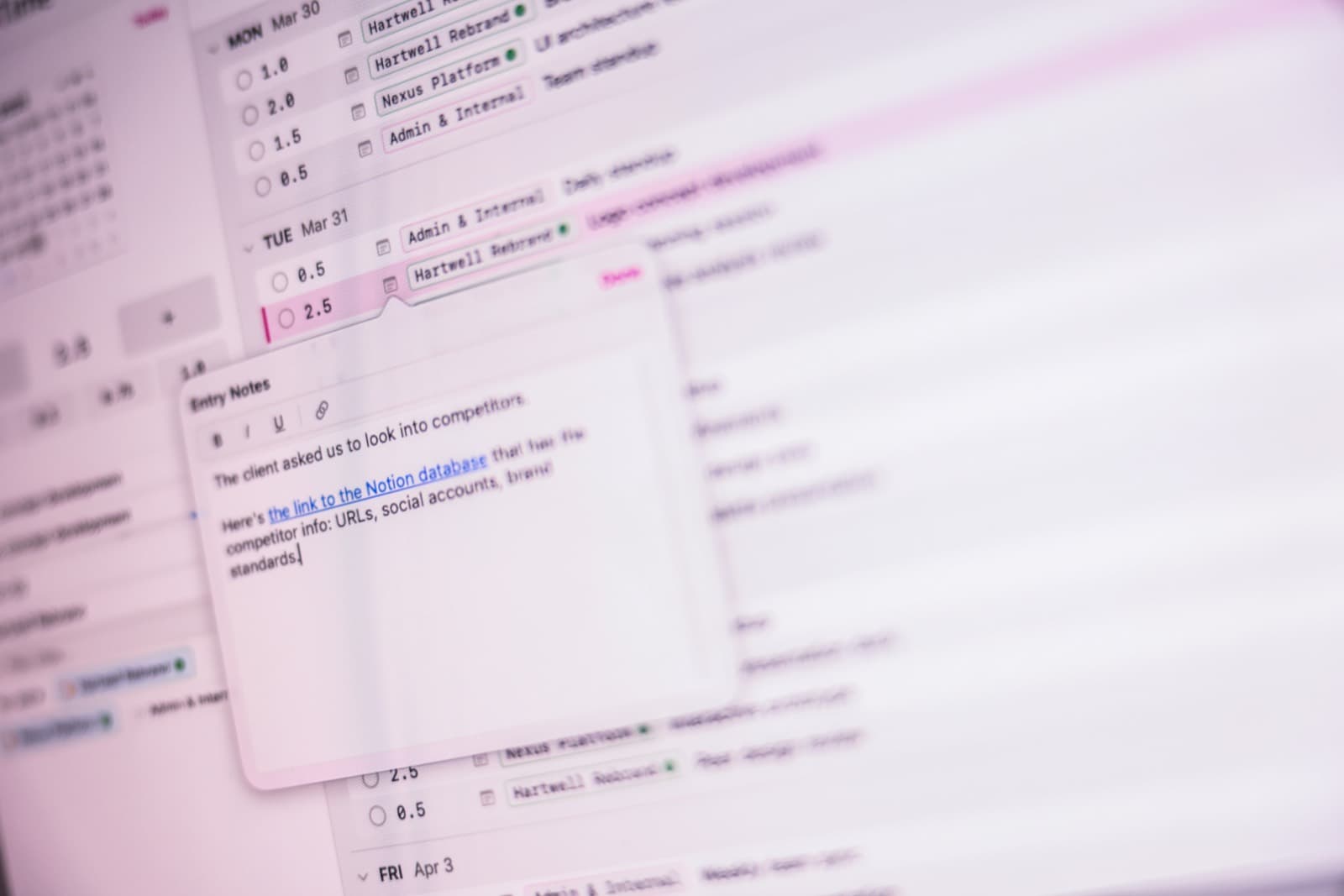
Entries can carry notes too: Notes capture why it mattered.
A keyword search surfaces entries by any term in any field. Job chips above the view let you filter by client code, pin the ones you use most, and multi-select to narrow the dataset to exactly the intersection you need.
The data’s always been there. The filter makes it retrievable.
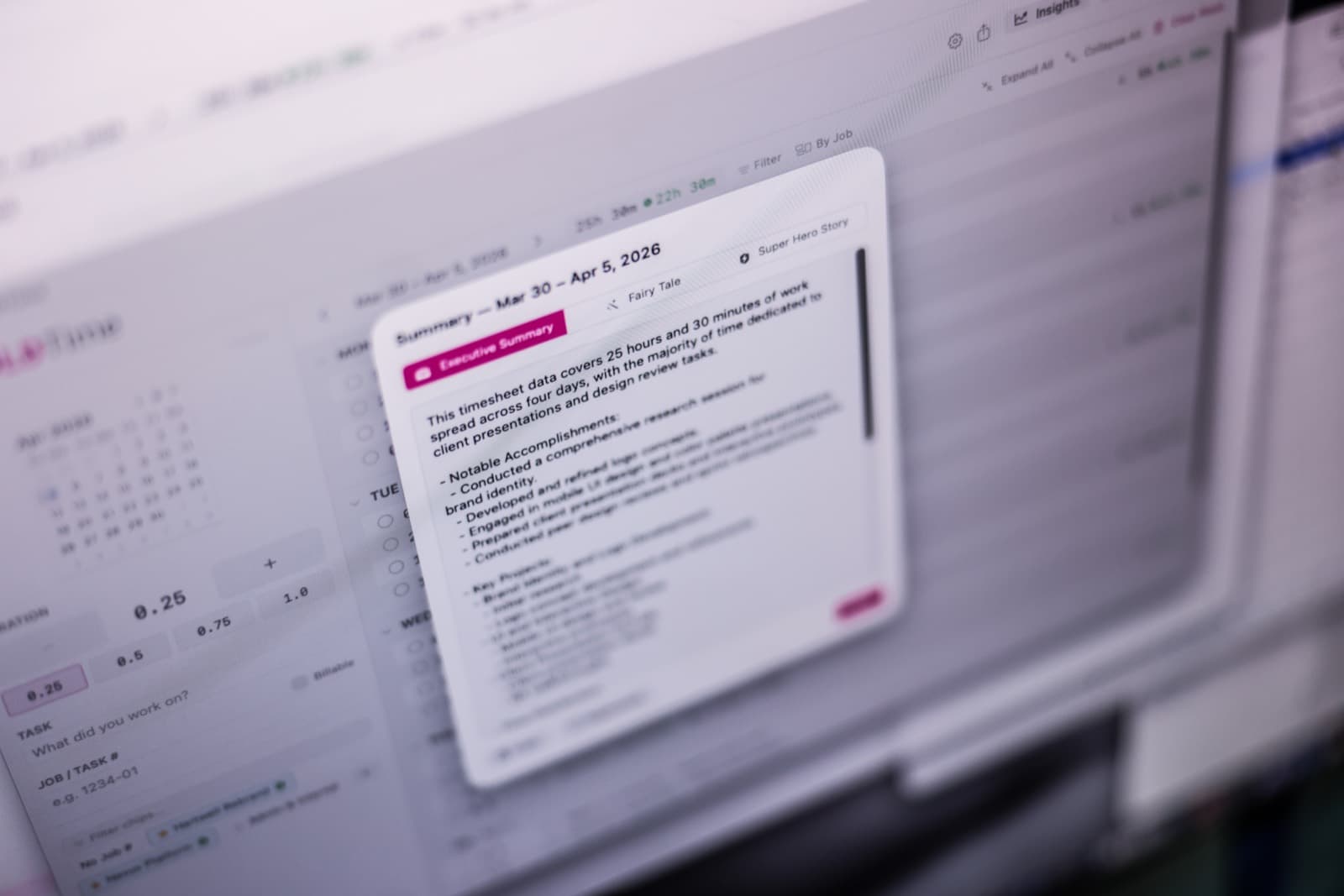
The system generates summaries and long-range analytics: time by client, by task type, by project phase, across any date range. What that surfaces is the kind of information that usually takes a full afternoon to assemble manually: how capacity is actually distributed versus how it feels, which engagements are expanding, where time is being logged versus where it’s being lost.
Having it on demand changes how I report, how I plan, and how I talk to clients about scope.

Every project generates open threads. They used to live in a separate tool, disconnected from the time record.
The todo panel is part of the main interface, linked to job codes and visible alongside the time data. The connection that closes the loop is a single button: Convert to Entry. Tap it on any todo and it becomes a time entry: job code pre-filled, start time set to now, ready for duration input.
The planned work becomes logged work in one gesture.
What started as a time-tracking app now holds the present in the notes and the future in the todo list. The cycle is continuous. Each pass through the system makes the next one more useful.
Most work tools live in one tense. This one moves between all three.
The notebooking system is next. The same systems thinking I apply when leading design teams applies here, at the individual level. Build for the real workflow. Lower the friction between the work and the record of it.