Markdown Converter
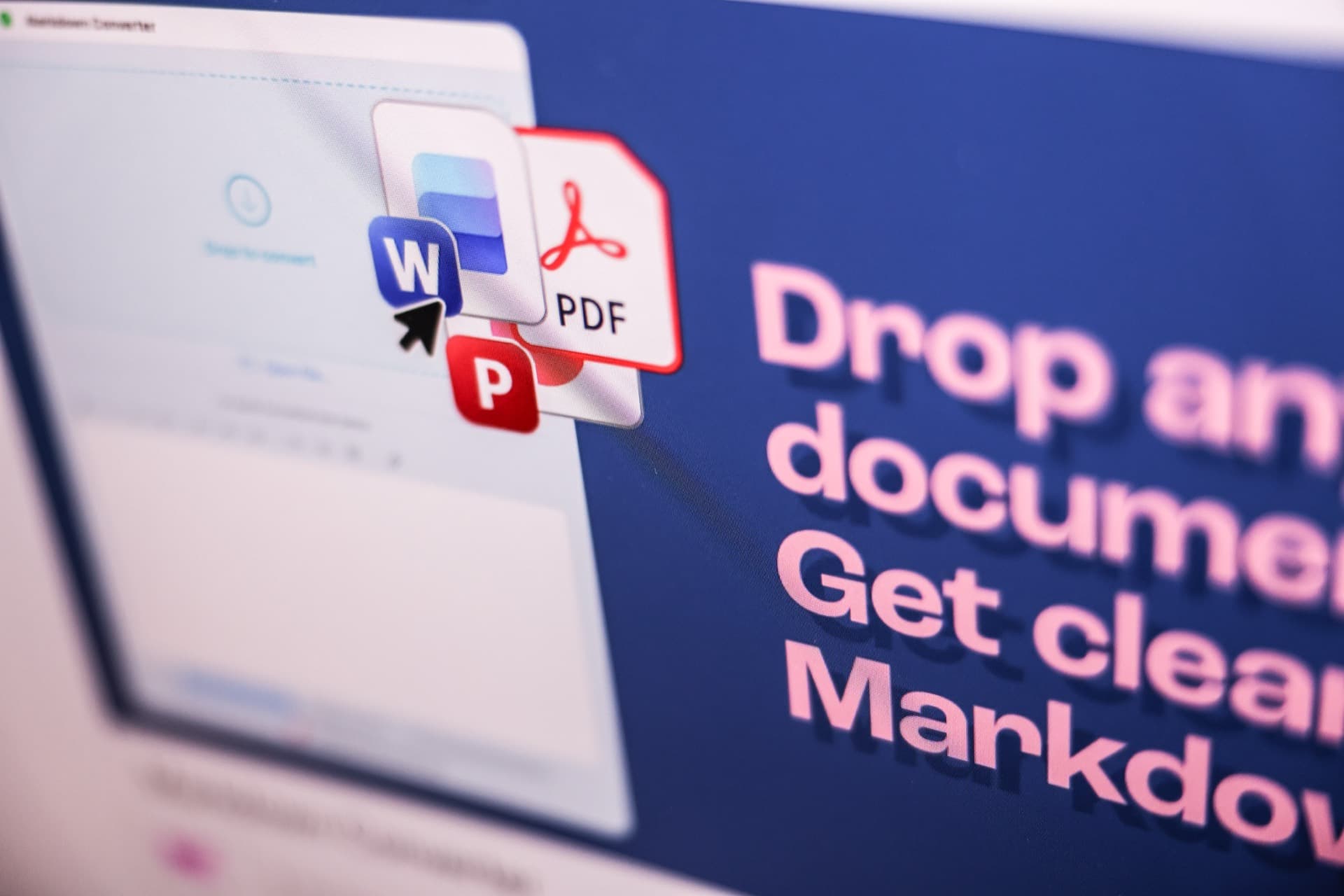
Drop any document. Get clean markdown. macOS only (for now…)
Drop any document. Get clean markdown. macOS only (for now…)
Every screenshot I uploaded to Claude was burning context. So I built the fix.
Context bloat has a texture. It’s the moment you realize you’ve been feeding your AI screenshots of documents instead of the documents themselves, your context window filling with pictures of words instead of words. The model describes them when you needed it to read them.
Markdown fixes this. Models read structured text, and Markdown is clean, structured text. But every existing path — online converter, Python script, manual copy — had friction that made it worse than the problem.
It was around this time Apple allowed Claude Code Connect into Xcode. So, I figured I’d build my way out of it.
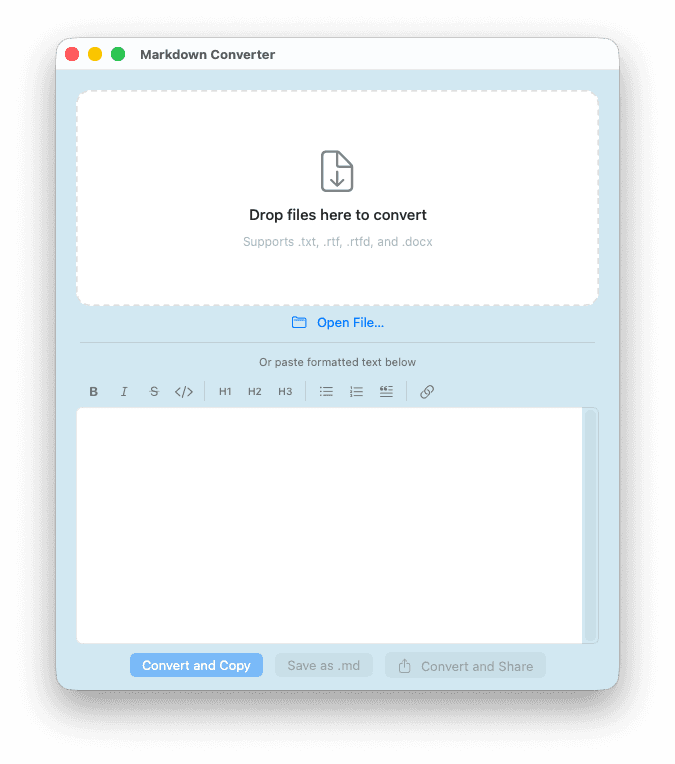
The core gesture is a drop. Drop a TXT, RTF, RTFD, DOCX, PPTX, or PDF file on the app and get a clean .md file. The entry points match how people actually work: a drop zone, a dock icon that accepts drops without opening a window, a formatting toolbar for pasting rich text directly, a recent files menu.
Drop a Markdown file and get a Word document. Tables come through as real Word tables, not pipe-character grids.
Six formats in. One format out. And the round-trip direction, too.
All conversions happen on-device. No network entitlement. No analytics. No crash reporting. The app doesn’t have permission to make a network connection, and that absence is intentional.
The obvious path for a tool like this is an API call. A cloud conversion service. A backend that handles the heavy lifting. Each of those would have required trusting someone else’s infrastructure with documents you haven’t finished writing yet.
Everything stays on the Mac. That’s the design constraint that made everything else possible.
“I’m constantly burning sessions by having uploaded too many screenshots. This sounds like a killer AI workflow companion.”
— Dennis P, Founder
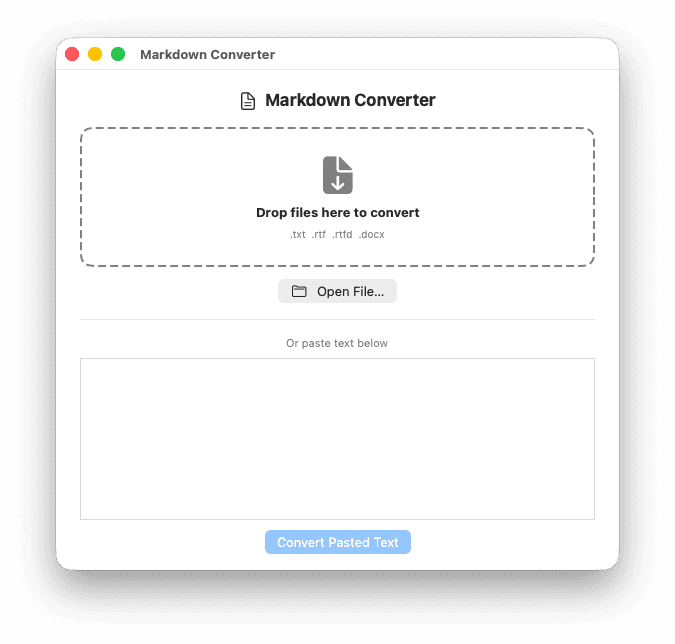
UI Version 1
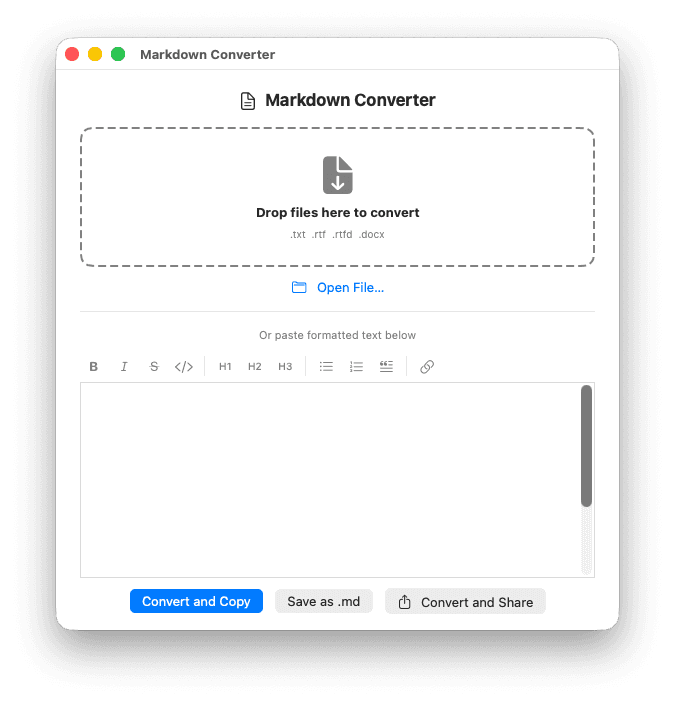
UI Version 2
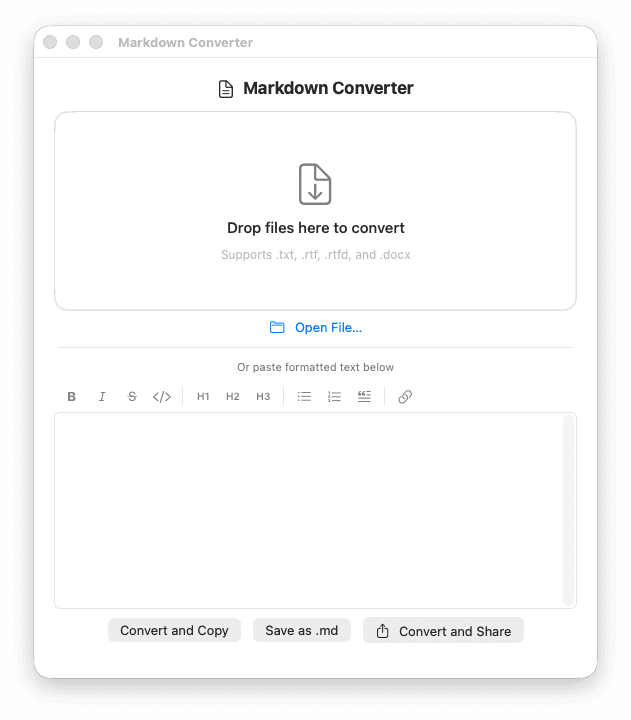
UI Version 3
UI Version 4
Eighty-three unit tests across six suites. Every layer of the conversion pipeline has coverage: the parser, the emitter, the DOCX link extractor, the PPTX converter, the PDF extractor, format detection. Edge cases: emoji breaking UTF-16 boundary math, malformed list markers that should parse as plain text, image-only PDFs that should throw a real error.
The security audit ran twice in parallel, mine and one from Cursor, to surface what one perspective misses. ZIP bomb protection. Path traversal guards. URL scheme allowlisting at five separate code sites. XML External Entity protection on all seven parser instances. Ten categories. All green before the first build shipped.
A passion project can have production standards. That’s not performance: it’s a decision about what kind of work you want your name on.

The app is notarized and signed with a Developer ID Application certificate, the correct path for software distributed outside the Mac App Store. Getting there meant debugging Apple’s notarization infrastructure, resolving certificate mismatches, and learning the difference between what Xcode’s Organizer shows you and what’s actually in Apple’s logs.
It ships via Gumroad at name-your-price. The ask is light because the first version of a solo-built utility should reach as many people as possible. The post announcing the release pulled 114 reactions and 55 comments in the first week. People asked for a CLI tool, a Windows port, community contribution paths.
“Would you be willing to put it in a Github instead of in the AppStore? And then we could contribute... make PRs and maybe make a Windows version, and you’d just approve the PRs, if you were interested in collaboration?”
— Ella M, Full Stack Developer
That’s not a feature request. That’s someone organizing around the project in real time. The repository is going public.
A web version (one that reaches Windows and Linux users without requiring a download) is on the roadmap.
The app was built with Claude as a coding partner across six sessions: pairing on architecture decisions, running independent audits, surfacing edge cases. The judgment calls were mine. The AI compressed the distance between understanding a problem and having a tested solution for it.
The CLI is coming. The app is already in daily use. That’s the honest measure of whether a tool was worth building.